Mobile Ordering Built for Produce Buyers
Give your customers a branded mobile ordering experience where they can open their order guides, place repeat orders, check order activity, and review invoices from one simple white label mobile app.
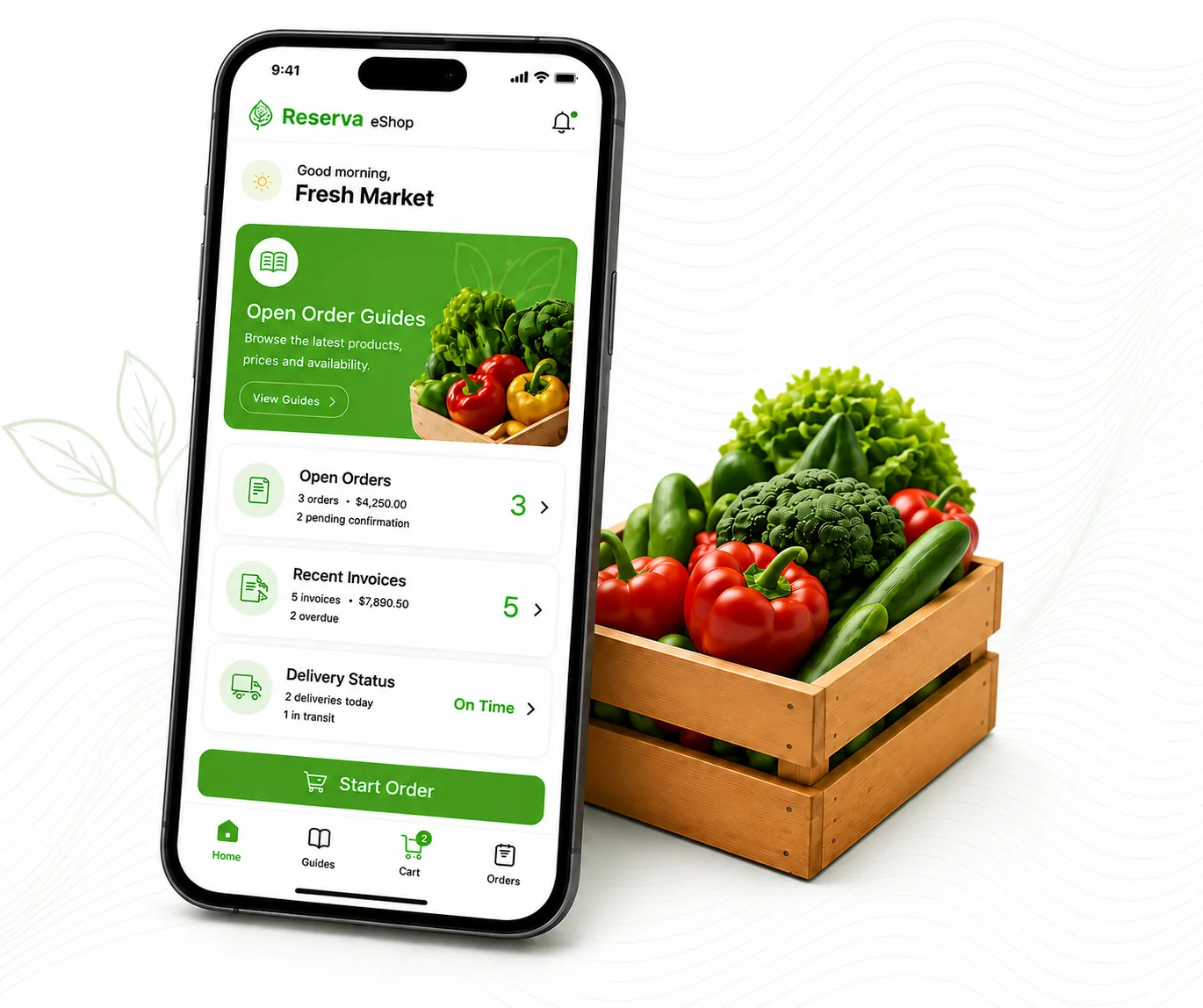
Reserva eShop replaces manual ordering with a branded mobile experience that lets customers browse live order guides, place orders in seconds, reorder purchases, and track activity from their phone
Every order arrives structured, accurate and already connected to your ERP
How Reserva eShop works
The experience is built around the way produce buyers already order: open the guide, choose the products, confirm the details and send the order for processing.
Open the Right Order Guide
Customers see the active guides available to them, with the products and ordering windows your team wants to present.
Build the Order
Buyers browse the catalog, review product information, use favorites and adjust quantities with touch-friendly controls.
Confirm Checkout Details
Ship-to address, requested date, reference, notes, taxes, freight and totals are reviewed before submission.
Submit and Stay Informed
The order enters the existing Reserva workflow, and customers can return to check orders, deliveries and invoices.
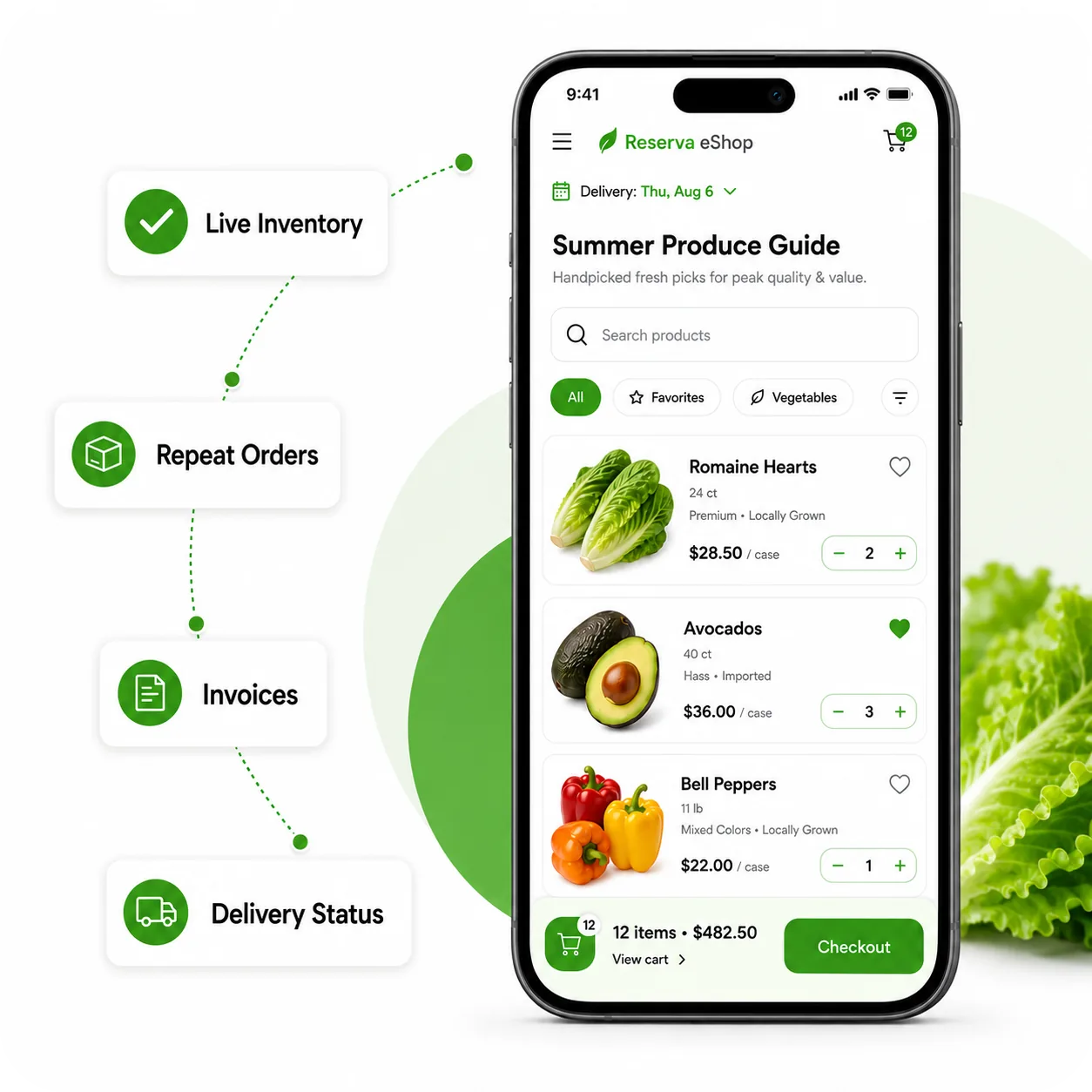
Fewer manual steps for your team. A better way to order for your customers.
Reserva eShop replaces scattered order requests with a guided mobile experience where your Customers know where to go and Sales and Operations receive cleaner order information. Everyone spends less time chasing details.
- Customer-specific order guides reduce confusion.
- Favorites and repeat-order tools help regular buyers move faster.
- Order and invoice visibility cuts down on status requests.
- Add-to-Home-Screen access gives customers an app-like experience without an app store download.
The Ordering Tools your customers expect
Reserva eShop focuses on the everyday moments that matter most to buyers and to the teams receiving their orders.
Order Guides
Show each customer the active buying guides and products that apply to them.
Mobile Catalog
Let buyers browse, search, filter, and review product details from a phone-friendly catalog.
Cart and Checkout
Capture quantities, ship-to, requested date, reference, notes, taxes, freight, and totals.
Favorites
Help repeat buyers get back to frequently ordered products without starting from scratch.
Order Activity
Give customers a place to review open orders, recent orders, and delivery status.
Invoice Access
Let customers check invoice status and invoice details from the same mobile experience.
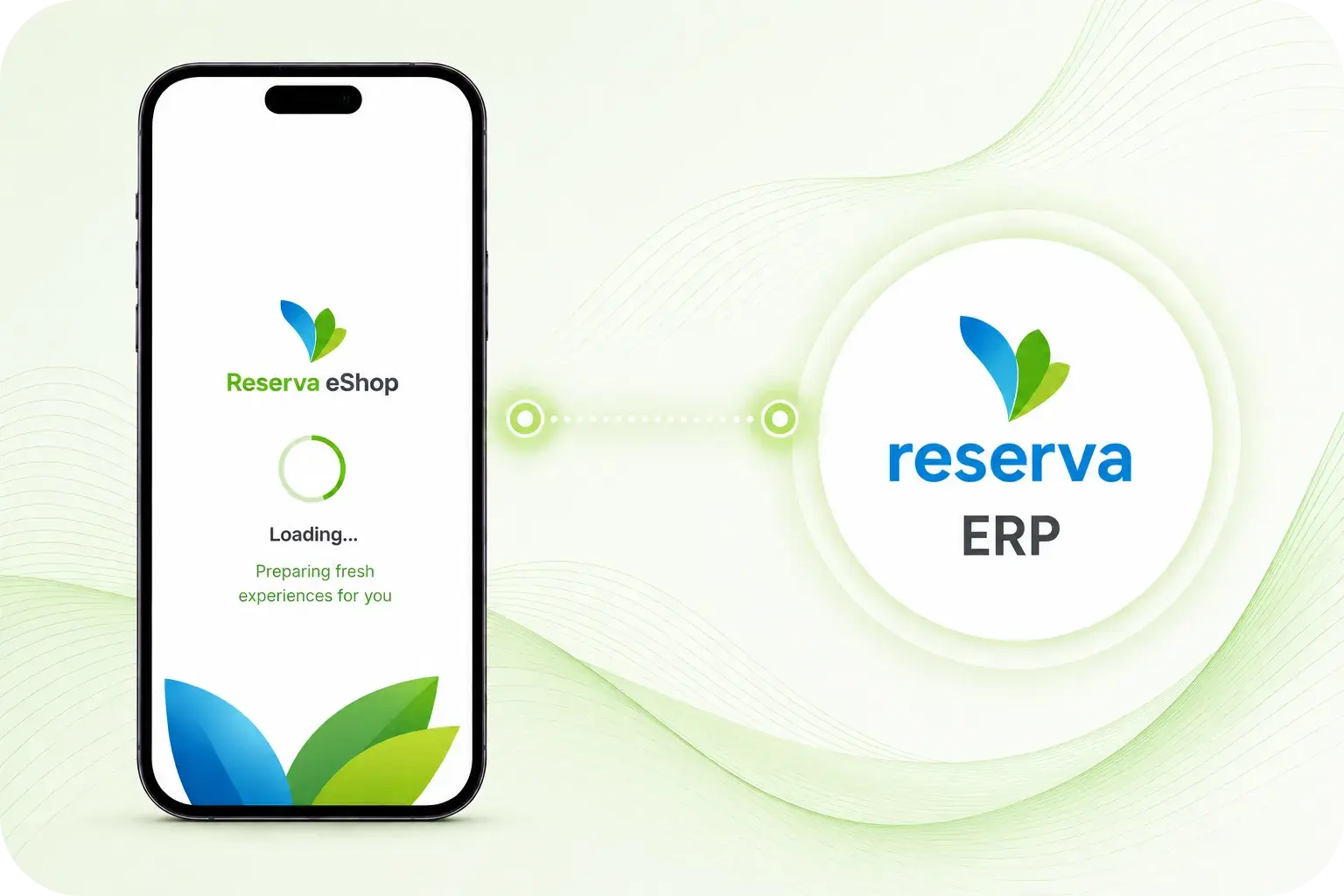
The customer ordering layer for your Reserva operation
Reserva eShop is not a separate storefront disconnected from the business backend. It is a customer-facing ordering layer connected to the Reserva workflow behind it.
Your team controls which order guides are visible, what message customers see, when ordering closes and how submitted orders enter the internal process. Customers get a modern mobile experience while your operation keeps the structure, control and review process it needs.
For customers, it feels like a simple, yet powerful and modern mobile ordering app. For your team, it keeps ordering connected to the ERP operation that already runs the business.
Built for the people who place and manage produce orders
Reserva eShop helps both sides of the ordering workflow: the customers placing orders and the teams responsible for turning those orders into action.
Foodservice buyers
Place repeat orders quickly from a phone, with products and delivery details organized in one place.
Retail and market accounts
Review available guides, confirm quantities, and keep visibility into recent order activity.
Sales teams
Spend less time collecting order details manually and more time supporting customer needs.
Operations and accounting
Receive cleaner submitted orders and give customers a better way to check order and invoice information.
Bring mobile ordering into the Reserva ecosystem
Reserva eShop helps produce companies offer customers a faster, cleaner, branded way to order while keeping the process connected to the ERP operation behind the scenes.
See Reserva eShop in Action